DSPAUT SDK (DSK)
C# Ultrasonic Library
DSPAUT SDK (DSK) is a dedicated C# development library designed to control the measurement engine of DSPAUT phased array ultrasonic testing (PAUT) hardware (P5, B3, R5, etc.) programmatically. Acquire, process, and map real-time ultrasonic signals to custom visual layouts using the `SVDSK.dll` assembly.
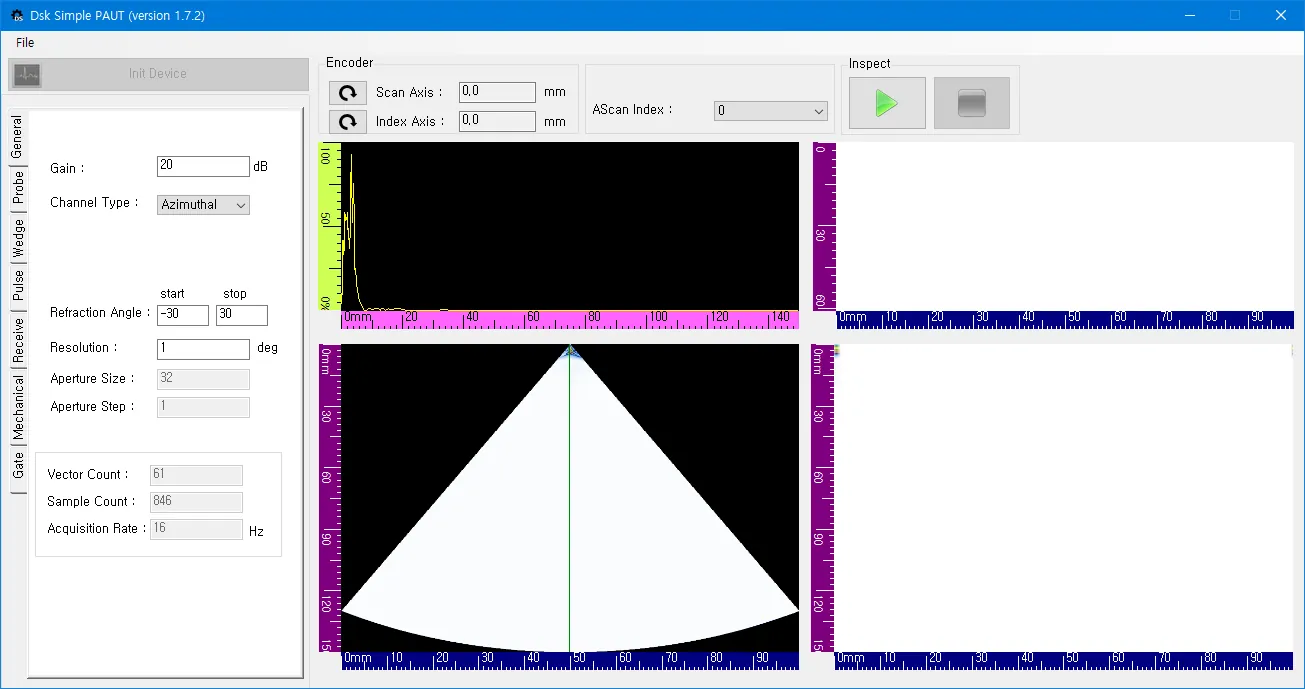
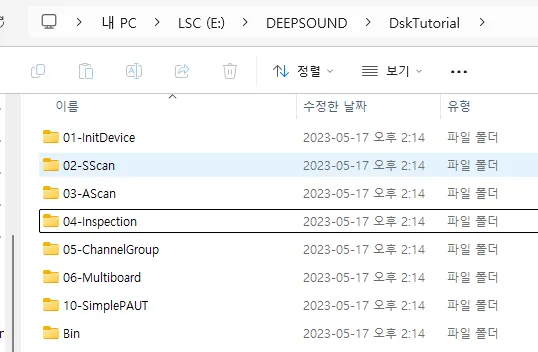
Intuitive C# SDK Referencing & Clean Architecture
Enables developers to quickly prototype and deploy customized NDT software in Windows 10 using Visual Studio 2017 and above. Simply add the core C# assembly `SVDSK.dll` and the helper library `DskCommon` to your project references. The execution operates directly from the build output directory (`../Bin/Release_x86`), and resources are cleanly decoupled and managed within `CommonResource`.
- ✔ Provides clean C# .NET 8.0 classes and properties for all device parameters
- ✔ Direct hardware access via the `DSPAUT` namespace API calls
- ✔ Unified debugging and diagnostic trace logging using Log2console integration
Low-Level Parameter Adjustment & Gate Control
Fine-tune pulser-receiver settings programmatically via C# functions to optimize signal response. Manage gain, digitizing frequency indexes, PRF, and voltage levels (ranging from 25V to 200V). Leverages bipolar pulsing to customize Burst Counts (from 1 to 5 cycles), boosting acoustic penetration in highly attenuative industrial materials.
- ✔ Real-time position, range, and threshold management of 3 independent gates (Gate A/B/I)
- ✔ Configure transmitter/receiver element limits and hardware frequency bandpass filters
- ✔ Channel Group configuration organizes multi-vector arrays to stream through Rx callbacks
5 Core C# Development Tutorials
Fully functional samples ready to build and run in Visual Studio. Click on any screenshot to view the interface in full, crisp resolution.
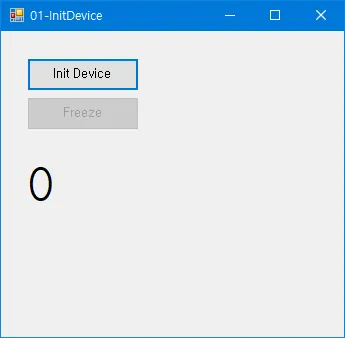 TUTORIAL 01
 01-InitDevice
Device Connection & Real-time Acquisition
Initializes the hardware using `InitDsk` and `InitDevice` commands, starting acquisition channels to capture incoming data. Uses `Dsk.Freeze` and `UnFreeze` properties to control streaming programmatically.
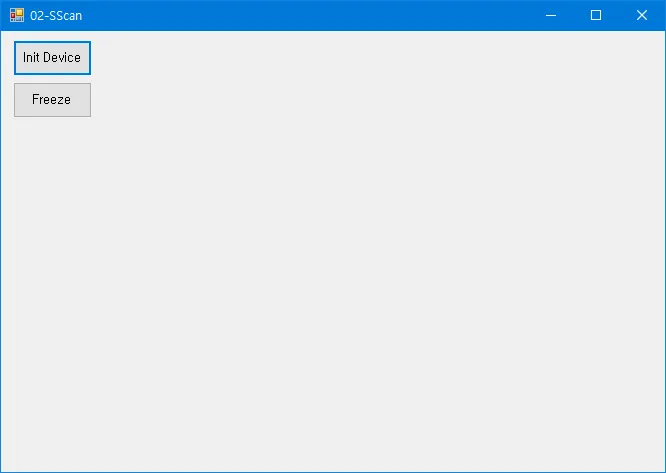 TUTORIAL 02
 02-SScan
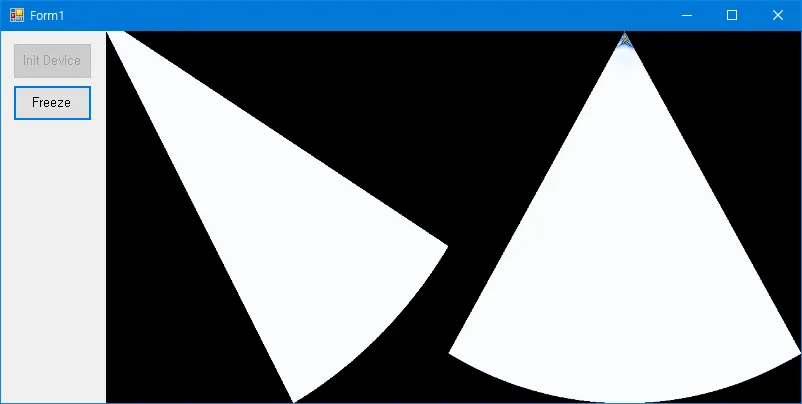
Real-time S-Scan Image Conversion
Demonstrates coordinate mapping logic converting raw A-scans to a 2D sectorial scan visual. Gathers boundaries using `GetSScanWidth`/`Height` and computes 2D byte arrays using `CalcSScanImage`.
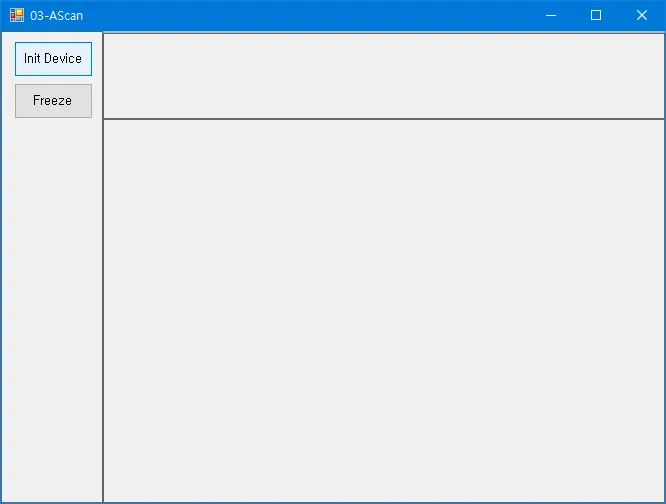 TUTORIAL 03
 03-AScan
Extracting Beam Waveforms & A-Scans
Retrieves signal amplitude data for a user-specified focal law index. Processes multi-beam signals in real-time, displaying linear waveform graphs directly on a custom bitmap surface.
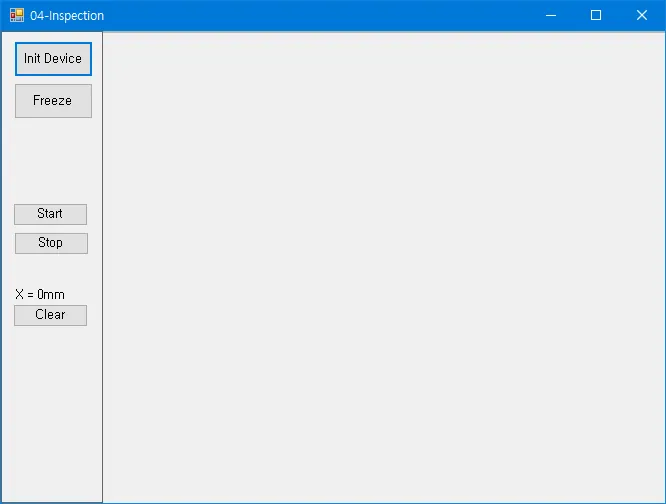 TUTORIAL 04
 04-Inspection
Multi-Axis Encoder & Distance Tracking
Essential for mechanical crawlers and automated industrial scanning. Uses `SetScanEncoder` to set bounds, step sizes, and pulse resolution to track physical movement in millimeters.
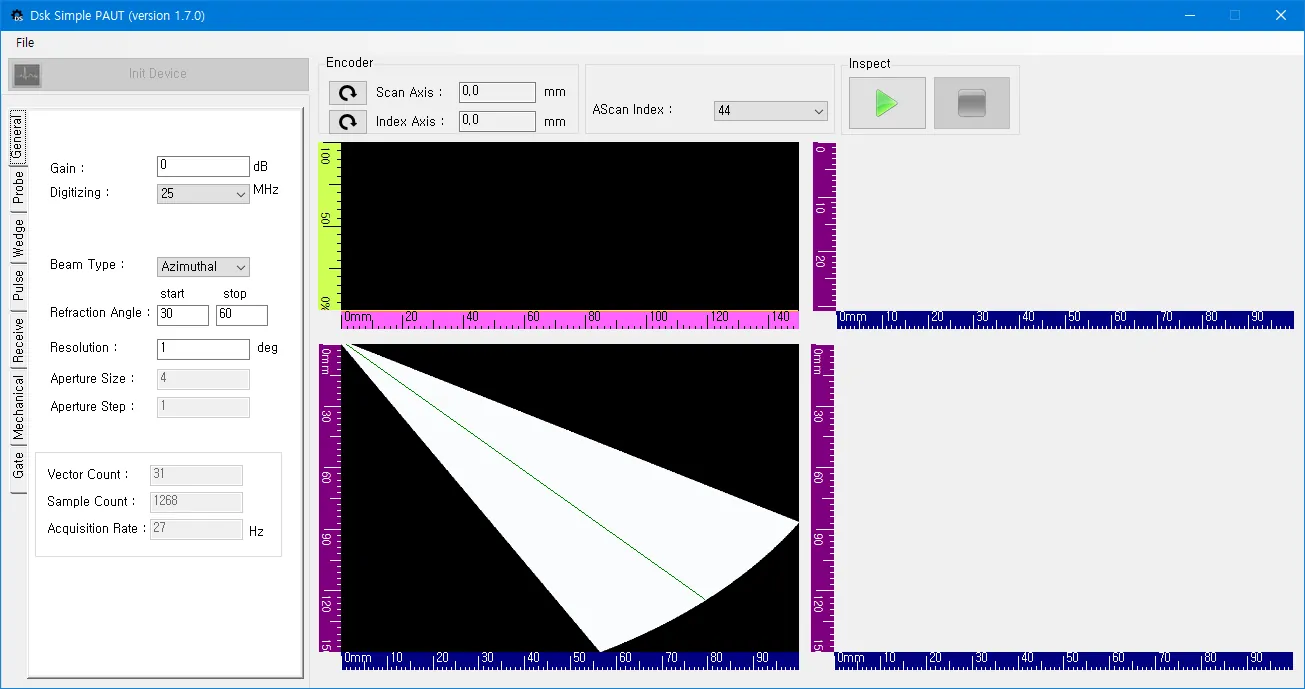
10-SimplePAUT
JSON Config Serialization & Complete PAUT App
Our master demo illustrating complete SDK capability. Showcases setup file saving and loading using `JsonFile2Object`, gate threshold alarms, multi-channel connections, and A/B/C/S-scan concurrent graphics.
A few lines of code to control
Ultrasonic Hardware
The official SDK hides lower-level register complexities inside clean, object-oriented C# wrappers. Initialize the device and bind the real-time callback using simple C# constructs.
Import the DEEPSOUND Namespace
Add referencing declarations in your C# assembly entry points.
Initialize Device Engine
Call `InitDsk()` and `InitDevice()` to gain hardware access.
Bind SetCallBackFrame
Register callbacks to receive real-time frame arrays containing locational coordinates.
Inquire about DSPAUT SDK (DSK)
Submit your contact information and inquiries regarding DSK SDK licensing, custom development assistance, or OEM integration, and our team will get back to you shortly.